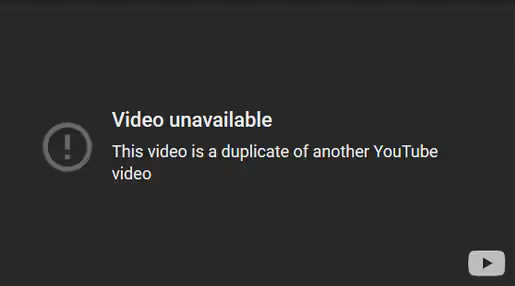
YouTube doesn't allow multiple copies of the same video to be uploaded. Due to this, once you've added the file to a Programme you will not be able to upload it again. Rather, you need only select the existing one which is stored in SEQTA.
Adding a video which is already in a Programme:
- Click on the Add Files button (if working in the Online Lesson Editor). Alternatively, or click the "+" (if working in the Planner or Cover Page).
- Select 'In SEQTA'.
- Type the file name in the search box to find the file. Click the file to select it then click 'OK'.
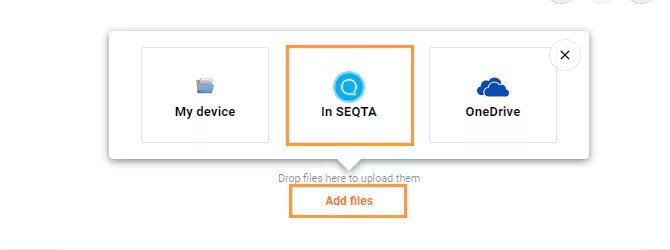
Image below: Video unavailable.
Was this article helpful?
That’s Great!
Thank you for your feedback
Sorry! We couldn't be helpful
Thank you for your feedback
Feedback sent
We appreciate your effort and will try to fix the article