The Marks book provides the functionally to select a grade from a drop-down list when entering assessment results.
The drop-down list is not available for Marks books using 'Marks-Based' course types or 'Mixed-Mode' course types with the assessment Marking mode set to 'Marks'.
This option is only available in the following conditions:
- The Marks book is using a 'Grade-Based' course type.
- The Marks book is using a 'Mixed-Mode' course type, and, the assessment in question has the Marking type set to 'Grades'.
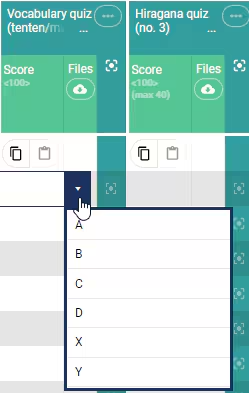
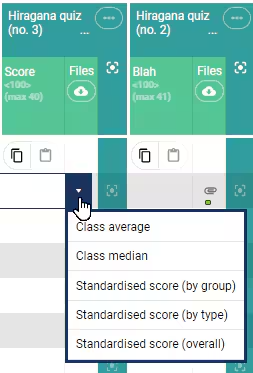
If the assessment does not meet the conditions for the results to show in the drop-down (i.e. The assessment is graded), then the Class average, Class median and Standardised scores will appear in the drop-down.
Was this article helpful?
That’s Great!
Thank you for your feedback
Sorry! We couldn't be helpful
Thank you for your feedback
Feedback sent
We appreciate your effort and will try to fix the article