The Turnitin integration in SEQTA allows teachers to create assessments through Turnitin which can be accessed by students through SEQTA Learn and by teachers through SEQTA Teach. Results entered for an assessment in Turnitin will flow through to the teacher’s SEQTA Marks book.
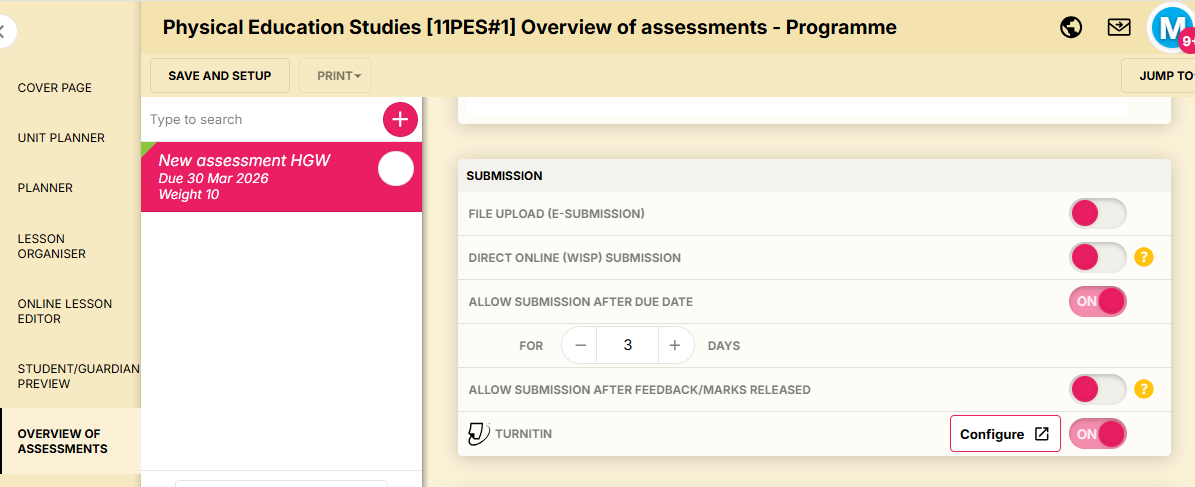
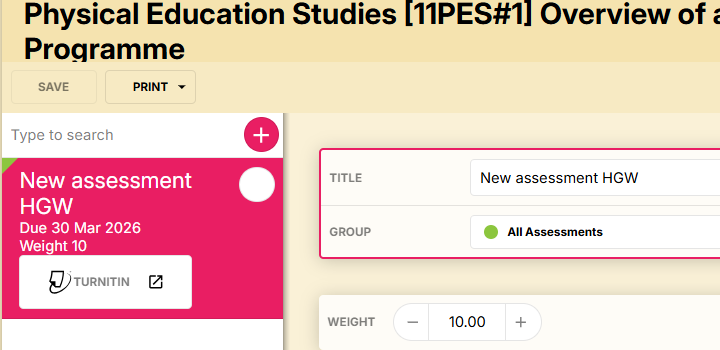
Assessments that are created in Overview of assessments can be configured to work with Turnitin by switching on the Turnitin button in the Submission editing pane for the assessment. They will appear in the Overview of assessments list with a Turnitin button.
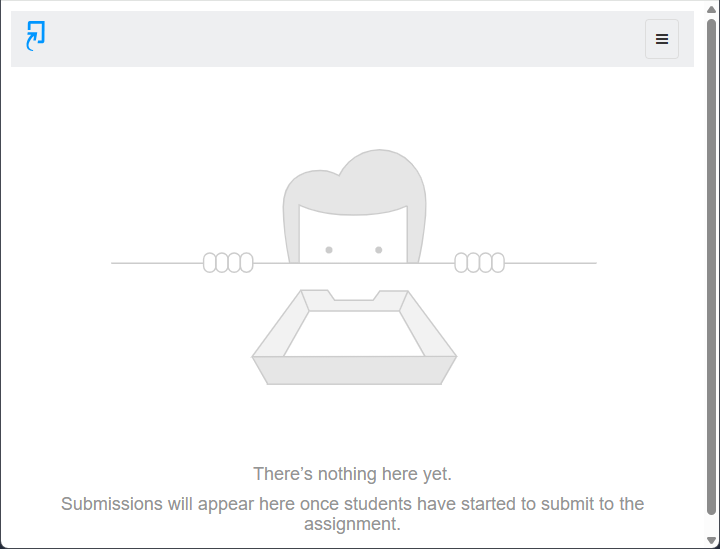
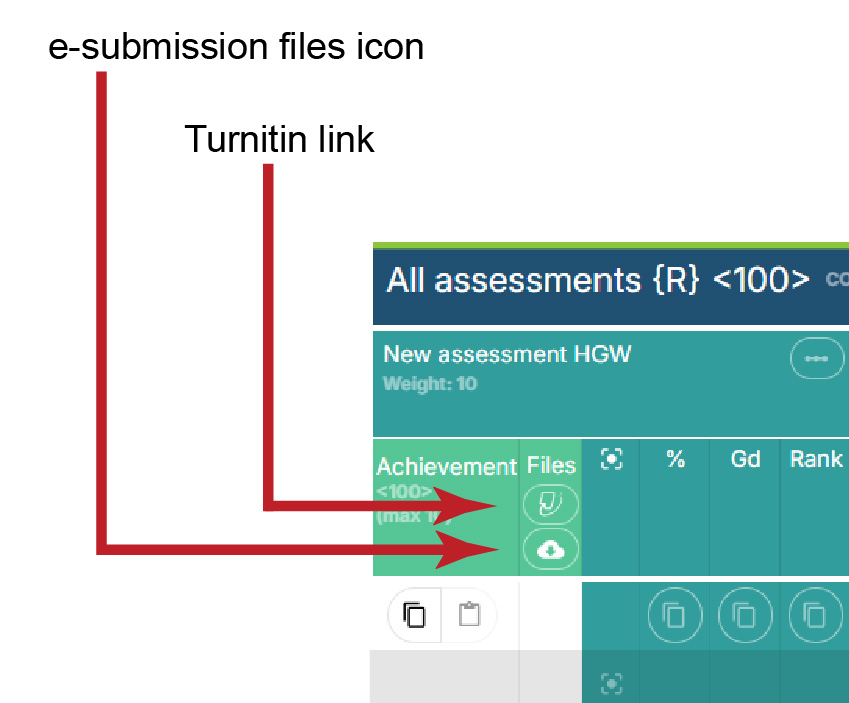
Turnitin submission files can be accessed by clicking on the Turnitin button displaying in the assessment’s Files column header. Please note that Turnitin submission files will not display against each student name in the Marks book. This feature is only relevant to e-submission files.
A once off setup process needs to be completed for the Turnitin integration to work correctly. Please see Turnitin integration setup.
Related pages:
Was this article helpful?
That’s Great!
Thank you for your feedback
Sorry! We couldn't be helpful
Thank you for your feedback
Feedback sent
We appreciate your effort and will try to fix the article