Can student e-submissions, WISP submissions and teacher feedback files be deleted?
No. However, teacher feedback files and student e-submissions can be removed. (See Deleting / Removing and Restoring Teacher Feedback Files and E-Submissions). Snaps from WISP submissions can be recalled through SEQTA Learn by opening the snap and then toggling off the submit arrow at the bottom of the page. This is only possible if the due date has not yet passed.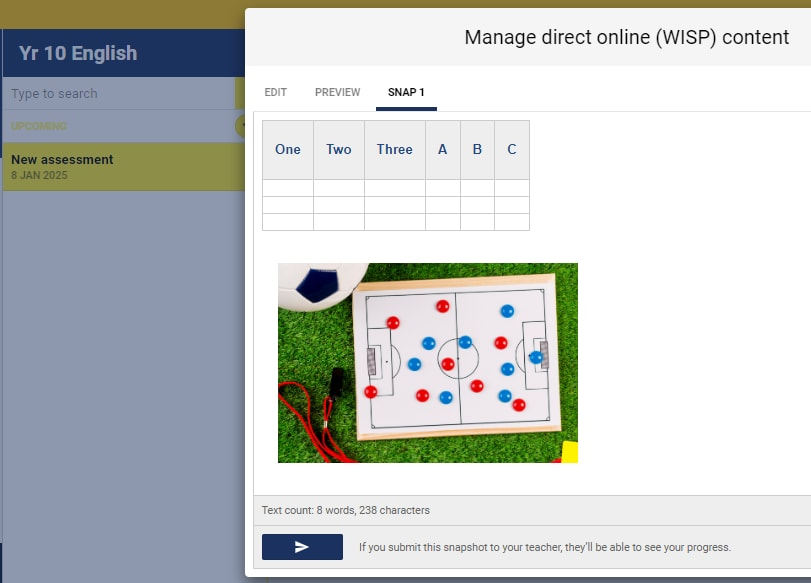
Can student e-submissions, WISP submissions and teacher files be copied or moved into a different programme?
No. The only method for this is to download the e-submissions and teacher files from the old Marks book, and then upload them into the new Marks book. WISPs will need to be recreated or the content copy-pasted from the old assessment into the new one through SEQTA Learn.
Related articles:
Was this article helpful?
That’s Great!
Thank you for your feedback
Sorry! We couldn't be helpful
Thank you for your feedback
Feedback sent
We appreciate your effort and will try to fix the article